Personal Project
Sudoku Solver
A simple sudoku solver and generator. The solver is created in Python and solves using a recursive depth-first search. It is displayed using pygame.
About Sudoku
Sudoku is a game made of a nine by nine grid. The goal of the game is to fill the grid in such a way that every row, column, and 3x3 square contains every digit from 1 to 9. Each grid starts with some constants and the player is tasked with filling the rest of the grid.
Solving Sudoku
The Sudoku class in the sudoku.py file contains a method to solve the board.
It solves using a depth-first search. It looks from right to left, top to bottom, for the first empty cell and fills
it with the lowest valid value 1-9 and repeats. If the solver cannot find a valid value for a cell then it
backtracks to the previous empty cell, incrementing it to the next valid value. The solver continues the cycle of
filling cells and backtracking until either the board is filled and the solve function returns True or
no solution is found and it returns False.
Generating Sudoku
Generating sudoku boards is a hard problem and is still being researched. A simple method was implemented here. The
generate_board function clears the board and fills the diagonal of the board with a random valid value.
Then it uses the solve function to fill the rest of the board. Finally it removes random cells until
there are num_cells left. The result is a randomly generated sudoku board.
One problem with this method is that it does not create boards of equal difficulty.
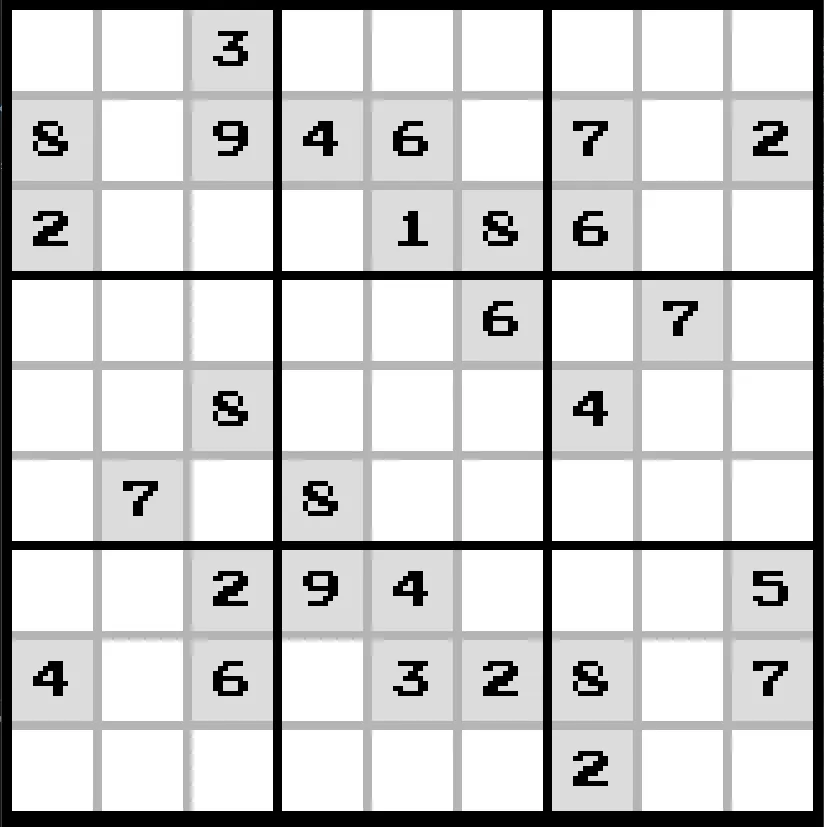

The Sudoku GUI
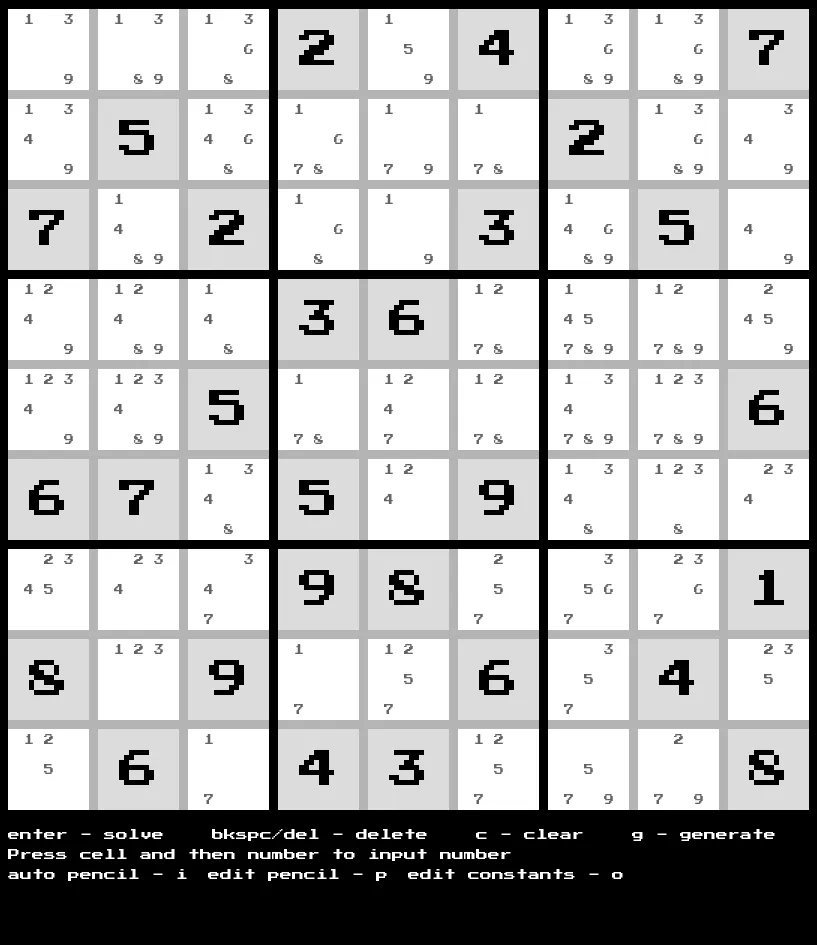
The GUI was created using pygame. Clicking a cell will highlight it and allow the user to input a number. If a number is not valid, the cell will be highlighted red.
Multiple buttons trigger different functions:
- enter - solves the board
- backspace or delete - remove the number in a selected cell
- In constant edit mode you can delete constants
- c - clears the board
- Clears player numbers and penciling normally
- Will only clear cells with penciling if in pencil mode
- Will clear everything if in constant mode
- g - generates a new board
- i - pencils the board with all possible values
- p - turns on pencil edit mode
- o - turns on constant edit mode
Want to try it yourself?
The full source is on GitHub, or browse the rest of what I've built.